Benefits
Why It Matters


Versatile Accounting and Billing Software for Every Sector
Why connect Tally to the cloud in Bhutan?
Businesses that use Tally on a single computer can sync it to hisabkitab’s cloud with the Tally Connector. Owners in Thimphu, Phuentsholing or anywhere else can then see sales, outstanding and reports on their phone while the accounts team keeps working in Tally.
What you add on top of Tally
The connector adds features Tally does not provide alone:
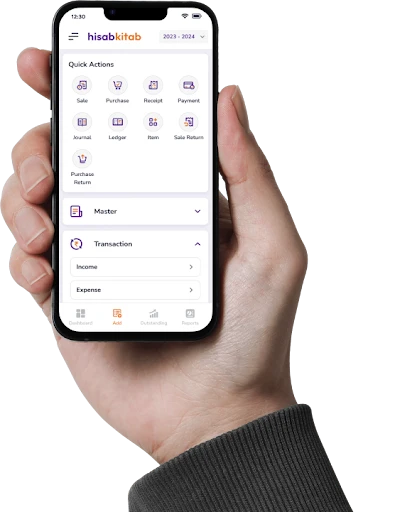
Access from phone and browser
AI OCR for bills and bank statements
WhatsApp invoices and reminders
Live dashboards and outstanding reports
Tally and Bhutan’s GST
Bhutan replaced its sales tax with a Goods and Services Tax on 1 January 2026, at a single standard rate of 5%, and businesses above the Nu 5 million turnover threshold must register. Keeping data synced in the cloud means GST figures are visible to owners and advisers without waiting for month end. Learn more about hisabkitab in Bhutan.
How does the sync work?
A connector on the Tally computer reads ledgers, vouchers and masters and syncs them to your hisabkitab company in the cloud at regular intervals. Your Tally data is not changed.
Who uses it?
Owners with more than one location, family businesses where partners want to see the numbers, and accountants supporting clients who use Tally. Compare Bhutan plans.
FAQs
Can I connect Tally with cloud accounting software without changing my workflow?
What is the benefit of adding cloud access to Tally?
Does the Tally Connector preserve the keyboard-first workflow that Tally users are used to?
Can I continue using Tally alongside hisabkitab after connecting them?
How is the Tally Connector different from migrating away from Tally?