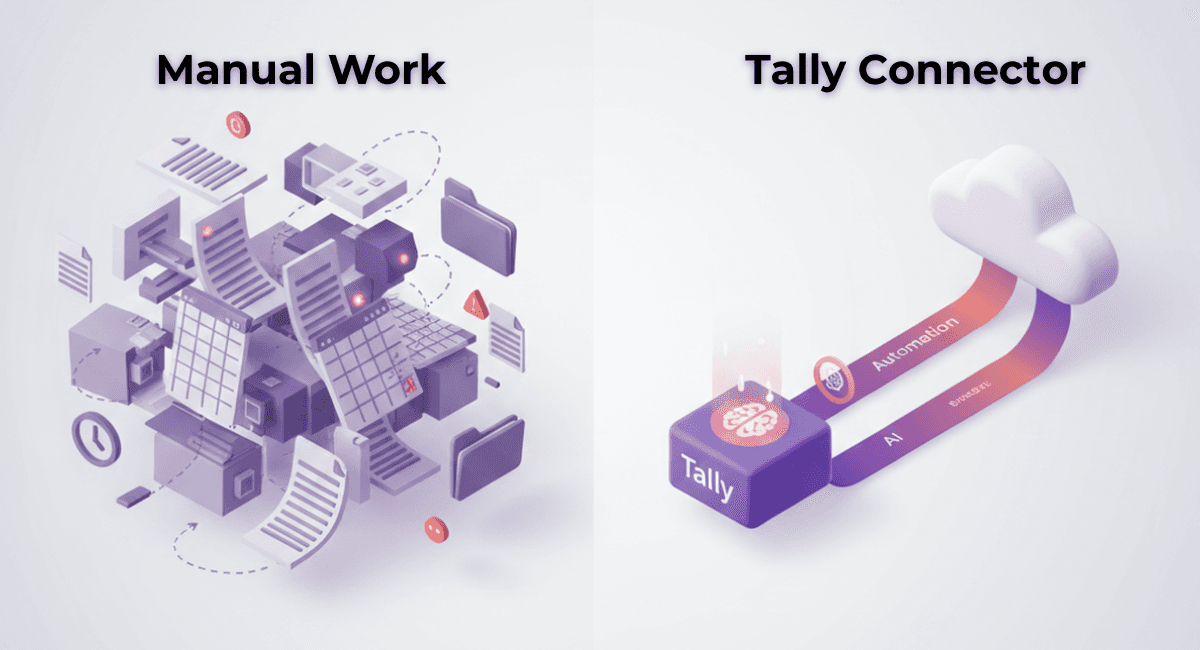


For years, businesses using Tally have relied on a familiar routine exporting data, sharing files, importing entries, fixing errors, and repeating the cycle every month.
While this method worked earlier, it is no longer practical for businesses that need speed, accuracy, and real-time visibility.
As accounting becomes more data-heavy and compliance-driven, the way businesses move data in and out of Tally plays a critical role.
This is where the comparison between manual export-import and a Tally Connector becomes important.
The Traditional Method: Manual Export-Import from Tally
Manual export-import typically involves:
Exporting data from Tally (Excel, XML, or backup files)
Sharing files with accountants or teams
Importing data into another system
Manually fixing mismatches
Repeating the same process every week or month
Common issues with manual export-import:
High dependency on Excel
Duplicate or missing entries
Version control problems
Delayed reporting
High risk of human error
No real-time sync
Repeated effort every period
For growing businesses, this approach becomes a bottleneck rather than a solution.
What Is a Tally Connector?
A Tally Connector creates a direct, secure bridge between Tally and a cloud accounting system.
Instead of exporting and importing files manually, data flows automatically between systems.
With a connector:
Data syncs in near real-time
Vouchers, ledgers, masters, and balances stay updated
No Excel handling is required
Errors caused by manual intervention are eliminated
The hisabkitab Tally Connector is built specifically to help businesses move from offline Tally workflows to modern cloud accounting without disrupting existing data.
Tally Connector vs Manual Export-Import: Key Differences
Area | Manual Export-Import | hisabkitab Tally Connector |
Data Movement | File-based | Automatic sync |
Speed | Slow & repetitive | Fast & continuous |
Accuracy | Error-prone | Highly accurate |
Duplicate Entries | Common | Eliminated |
Real-Time Visibility | Not available | Available |
Dependency on Excel | High | Zero |
Scalability | Poor | Excellent |
Effort Required | High | Minimal |
Why Manual Export-Import No Longer Works at Scale
As businesses grow, accounting data increases across:
Sales invoices
Purchase bills
Bank transactions
GST entries
Stock movements
Expense vouchers
Manual handling at this stage leads to:
Delayed GST filings
Inaccurate reports
Increased reconciliation work
Founder dependency on accountants for basic answers
In contrast, a Tally Connector ensures that accounting data stays clean, synced, and ready at all times.
How the hisabkitab Tally Connector Changes the Workflow
The hisabkitab Tally Connector allows businesses to:
Sync existing Tally data into cloud accounting seamlessly
Keep Tally and cloud records aligned
Reduce manual entry by up to 80–90%
Access financial data from anywhere
Share live data with accountants, CAs, or teams
Maintain audit-ready books without extra effort
Most importantly, it removes the repetitive work that consumes hours every month.
Who Benefits the Most from a Tally Connector?
The shift from manual export-import to a connector is especially useful for:
Growing small and medium businesses
Multi-location companies
Founders who want real-time financial visibility
Accounting teams handling high transaction volume
Businesses planning to move toward cloud accounting
Firms struggling with Excel-based reconciliation
If accounting feels slow, delayed, or overly manual this shift becomes essential.
Final Thought
Manual export-import from Tally was a workaround for the past.
In today’s business environment, where decisions depend on live data, this approach simply doesn’t scale.
A Tally Connector doesn’t replace Tally overnight it extends its power into the cloud, making accounting faster, cleaner, and more reliable.
Ready to Move Beyond Manual Export-Import?
If you’re still relying on Excel files and manual imports from Tally, it may be time to upgrade your workflow.
Explore how the hisabkitab Tally Connector can simplify your accounting process and reduce manual effort.
Book a demo and see the difference in real time.
Continue Reading