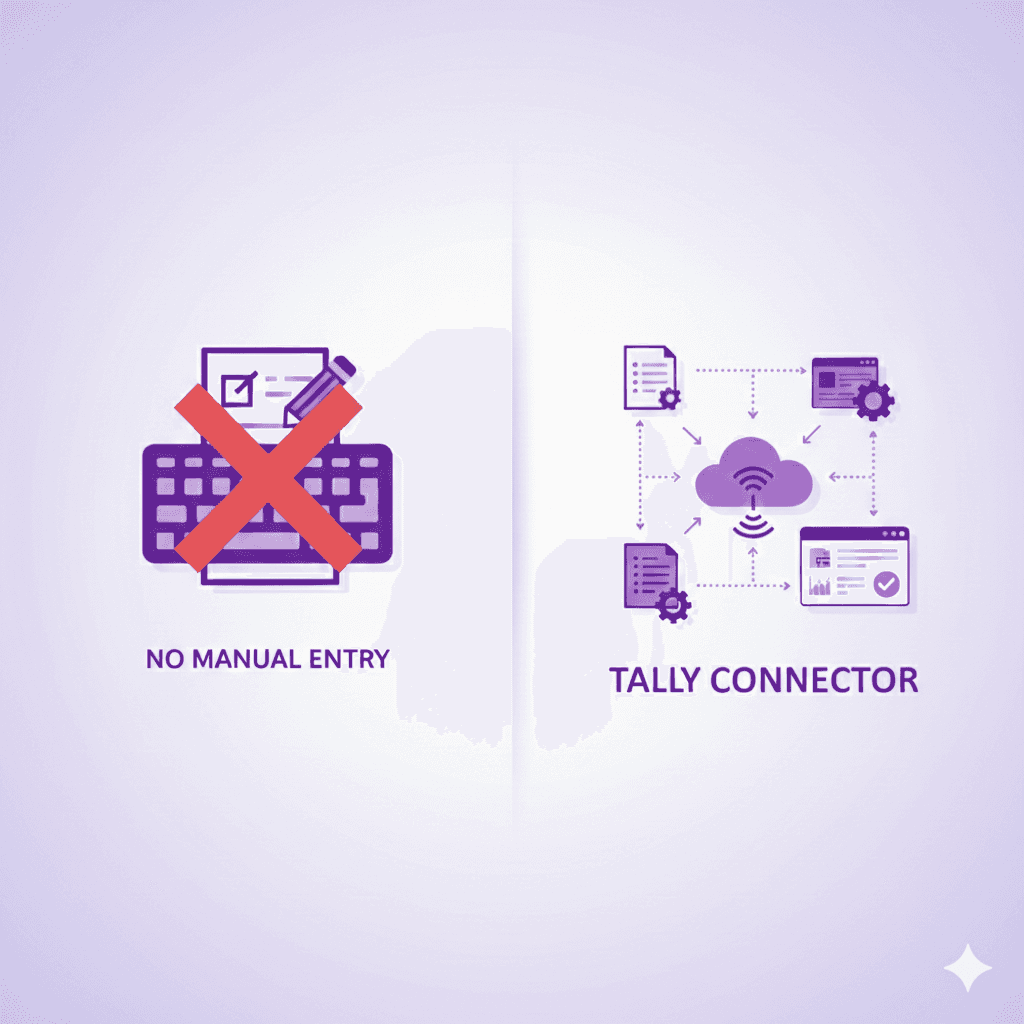


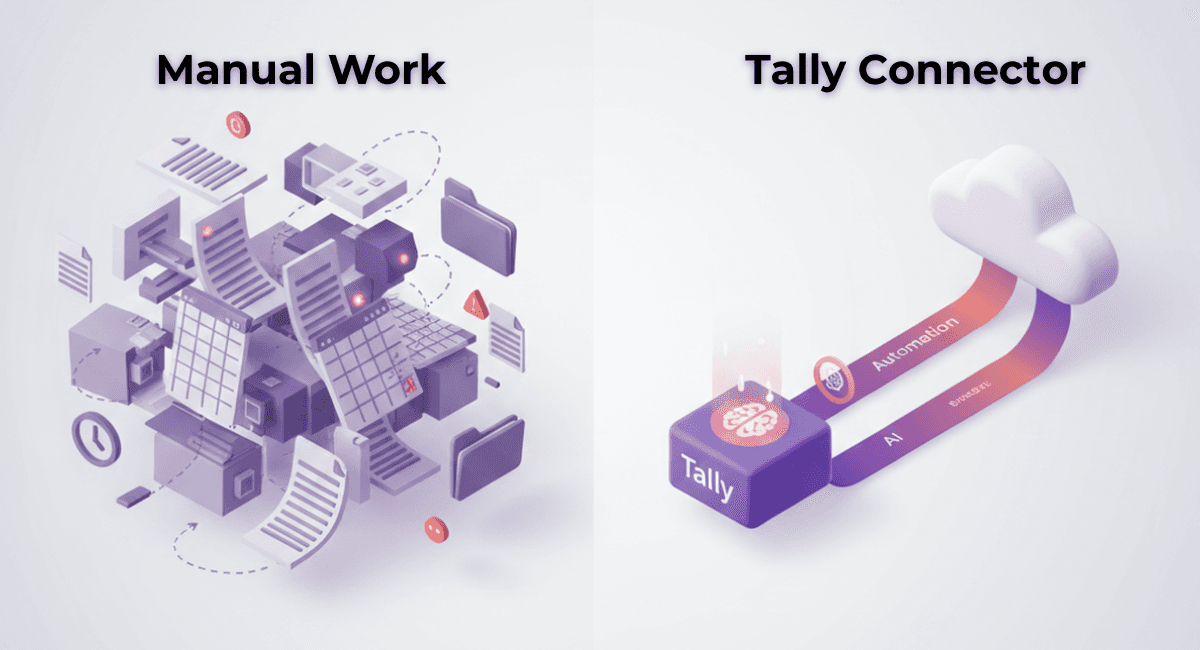

For years, Tally has been the backbone of accounting for many businesses. However, as transaction volumes grow, one problem keeps coming up again and again manual data entry. Exporting data from Tally, importing it into another system, correcting errors, and reconciling entries consumes hours every week.
In 2026, businesses no longer need to rely on manual export–import methods. It is now possible to import Tally data automatically without re-entering information, saving time and avoiding costly mistakes. This blog explains how businesses can do this the right way.
Why Manual Tally Data Entry Is a Problem
Manual entry usually happens when businesses:
Export data from Tally in Excel or XML
Upload it into another system
Re-check vouchers, ledgers, and balances
Correct mismatches manually
This process creates multiple issues. It is time-consuming, prone to human error, and often results in mismatched ledgers or incomplete data. For businesses handling hundreds of vouchers every month, manual entry becomes unsustainable.
What Does “Import Tally Data Without Manual Entry” Actually Mean?
Importing Tally data without manual entry means:
No re-typing vouchers or ledgers
No Excel-based corrections
No duplication of entries
No loss of transaction structure
Instead, data flows directly from Tally into a cloud accounting system in a structured and automated way.
This is done using a Tally Connector, which acts as a bridge between Tally and modern cloud software.
How the Tally Connector Solves Manual Data Entry
A Tally Connector connects your Tally data with cloud accounting software and transfers information automatically.
It can import:
Sales vouchers
Purchase vouchers
Receipts and payments
Journals
Customer and supplier ledgers
Opening balances
All of this happens without exporting Excel files or manually uploading data.
How Tally Data Import Works (Step-by-Step)
Step 1: Connect Tally to the Cloud
The Tally Connector securely links your Tally system with cloud software. Once connected, it can read data directly from Tally.
Step 2: Select the Data to Import
Businesses can choose what to import — historical data, current period vouchers, or specific voucher types.
Step 3: Automatic Data Mapping
Ledgers, voucher types, and transactions are mapped automatically. This ensures data structure remains intact during import.
Step 4: Real-Time or One-Click Sync
Data is transferred in one click or synced automatically, without user intervention.
Step 5: Verification Without Re-Entry
After import, businesses can review records inside the cloud system without manually correcting or re-entering data.
Common Mistakes Businesses Make While Importing Tally Data
Many businesses still face problems because they:
Use Excel-based imports
Import partial data
Miss opening balances
Duplicate vouchers
Lose ledger classification
These issues usually occur when imports are done manually instead of using a dedicated connector.
How hisabkitab Helps Import Tally Data Seamlessly
hisabkitab offers a Tally Connector designed to eliminate manual entry completely.
With the hisabkitab Tally Connector, businesses can:
Import vouchers and ledgers directly from Tally
Sync data two ways (Tally ↔ cloud)
Avoid Excel files and CSV uploads
Preserve original accounting structure
Reduce data errors
Save hours of accounting time
Once data is imported, businesses can continue working on the cloud with real-time visibility.
Who Should Import Tally Data Automatically
Automatic Tally data import is ideal for:
Businesses moving from Tally to cloud accounting
Firms maintaining parallel systems
Accountants handling multiple clients
Growing businesses with high voucher volume
Teams working remotely
If manual entry is slowing you down, automation is the solution.
Why Businesses Are Moving Away from Manual Tally Imports in 2026
In 2026, speed and accuracy matter more than ever. Manual import methods cannot keep up with:
Increasing compliance requirements
Faster reporting needs
Remote work setups
High transaction volumes
Automated Tally data import ensures books stay updated, accurate, and audit-ready without extra effort.
Conclusion
Importing Tally data without manual entry is no longer complicated or risky. With the right Tally Connector, businesses can move data directly from Tally to the cloud while preserving accuracy and structure.
For businesses looking to save time, reduce errors, and modernise their accounting workflow, automated Tally data import is the smartest step forward.
Want to Import Tally Data Without Manual Work?
If you want to eliminate Excel exports, avoid re-entry, and sync your Tally data effortlessly:
Book a free demo of hisabkitab today and see how the hisabkitab Tally Connector imports your data automatically and accurately.