



Running a business in 2026 is very different from running one a few years ago.
Customers expect faster billing, accurate invoices, multiple payment options, and a smooth buying experience. At the same time, business owners need to manage inventory, accounts, GST compliance, expenses, and business performance often across multiple locations.
But here’s the problem.
Many businesses still manage these activities separately.
Sales are recorded at the counter.
Stock is updated later.
Accounting entries are maintained separately.
Reports are prepared manually.
And business owners often have to depend on Excel or multiple systems to understand what is actually happening.
As the business grows, these small gaps become bigger problems.
So, the question is no longer just:
Do I need software for billing?
The better question is:
Can my business afford to run without a connected POS system in 2026 and beyond?
That’s where modern POS software comes in.
What Is POS Software?
POS, or Point of Sale software, is a digital system that helps businesses manage transactions when a customer makes a purchase. But modern POS software is much more than a billing machine.
A smart POS system can connect different parts of daily business operations, including:
Billing and invoicing
Inventory management
Sales and purchase tracking
Customer management
Payment tracking
Accounting
GST compliance
Business reporting
Multi-location operations
Instead of treating billing as a separate activity, businesses can use POS software as a central system connecting sales, stock, accounting, and business information.
Why Are Businesses Re-thinking POS Software in 2026?
The need for POS software isn't only about technology. It is about how businesses are changing.
Businesses are handling more transactions, more products, more customers, more payment methods, and in many cases, more than one location.
At the same time, business owners want to make decisions faster.
They want to know:
What sold today?
Which products are moving quickly?
What is running low in stock?
How much did each store sell?
What are my expenses?
Where is my actual profit coming from?
If these answers require checking different files, systems, or registers, valuable time is lost.
A modern POS system helps bring this information together.
The Problems Businesses Face Without a Modern POS System
1. Billing Takes More Time Than It Should
Imagine a customer has selected multiple products.
The salesperson has to:
Search for products
Calculate prices
Apply discounts
Calculate GST
Prepare the invoice
Accept payment
Record the transaction
When much of this is done manually, even a simple sale can take longer.
During busy hours, this can result in:
Longer queues → slower service → frustrated customers → missed sales opportunities.
A POS system automates many of these steps, making billing faster and more consistent.
2. Inventory and Sales Don't Always Match
One of the most common problems for growing businesses is inventory mismatch.
Suppose your records show that you have 50 units of a product.
But after checking the physical stock, you find only 42 units.
Where did the other 8 go?
If sales are not updated properly, businesses can struggle with:
Stock mismatches
Unexpected stockouts
Overstocking
Wrong purchasing decisions
Dead inventory
Lost sales
With an integrated POS system, a sale can automatically update the inventory.
That means the business gets a much clearer picture of what is available, what is selling, and what needs to be reordered.
3. Manual Accounting Creates Duplicate Work
This is where many businesses lose valuable time.
A sale happens at the counter.
Then someone has to take that information and enter it into accounting software.
Now the same transaction has been handled twice.
And whenever information is manually copied from one system to another, there is a possibility of:
Wrong entries
Duplicate entries
Missing transactions
Incorrect amounts
Delayed bookkeeping
A connected POS and accounting system can reduce this repetitive work.
One transaction can become useful business data across multiple functions.
4. Excel Works Until the Business Gets Bigger
Excel isn't the problem.
The problem is relying on manual spreadsheets when the business has become too complex for them.
A growing business may maintain separate Excel files for:
Sales
Inventory
Purchases
Expenses
Customers
Payments
Branches
Product lists
Now imagine updating all of them every day.
One missed update can affect the next report.
And when business owners need information quickly, they may first have to search through multiple files.
A modern POS system helps reduce this dependency by keeping important business information connected.
5. Multi-Location Businesses Need Centralized Visibility
Opening another store is exciting. Managing it can be challenging.
With multiple locations, business owners need to know:
Which store is selling more?
Which branch has higher expenses?
What stock is available at each location?
Which products are moving faster?
What is the overall business performance?
Managing every location separately makes this difficult.
A POS system with multi-location management can help bring branch-wise information into one centralized view.
This means business owners can focus on managing the business instead of collecting information from different stores.
POS Software: More Than Just Billing
The biggest shift in modern POS is that it is no longer just about generating an invoice.
Think of the journey:
Customer Purchase
↓
POS Billing
↓
Inventory Updated
↓
Accounting Recorded
↓
Reports Generated
↓
Business Decision Made
This connected flow is what makes modern POS software valuable.
The more connected the business becomes, the less manual coordination is required.
Traditional Billing vs. Modern POS Software
Traditional Billing Approach | Modern POS Software |
|---|---|
Billing is handled separately | Billing is connected with business operations |
Inventory updated manually | Inventory can update with sales |
Accounting entries may be repeated | Sales can connect with accounting |
Reports require manual preparation | Reports can be generated automatically |
Difficult to monitor multiple stores | Multi-location visibility |
Greater dependence on spreadsheets | Centralized business data |
More repetitive work | Greater automation |
Limited real-time visibility | Faster access to business information |
The goal isn't simply to replace a billing machine.
The goal is to create a connected business management system.
What Businesses Should Expect From POS Software in 2026
A POS system should not only solve today's billing requirements.
It should also be capable of supporting tomorrow's business growth.
Before choosing POS software, businesses should look for:
1. Fast & Easy Billing
The system should make daily billing simple for employees and customers.
2. GST Billing
Businesses should be able to create accurate GST invoices and maintain proper transaction records.
3. Inventory Management
Sales and stock should work together so businesses can monitor inventory more effectively.
4. Accounting Integration
The POS should reduce duplicate data entry and connect sales with accounting.
5. Business Reports
Business owners should be able to understand sales, purchases, expenses, stock, and performance.
6. Multi-Location Management
The system should support businesses that operate across multiple stores or branches.
7. Barcode & Thermal Printing
Retail businesses should be able to make billing faster through barcode scanning and thermal printing.
8. Cloud Access
Business owners should be able to access important business information without being tied to one computer.
9. Scalability
The software should grow with the business instead of forcing the business to change systems every time it expands.
How HisabKitab Helps Businesses Move Beyond Traditional POS
This is where HisabKitab goes beyond basic billing.
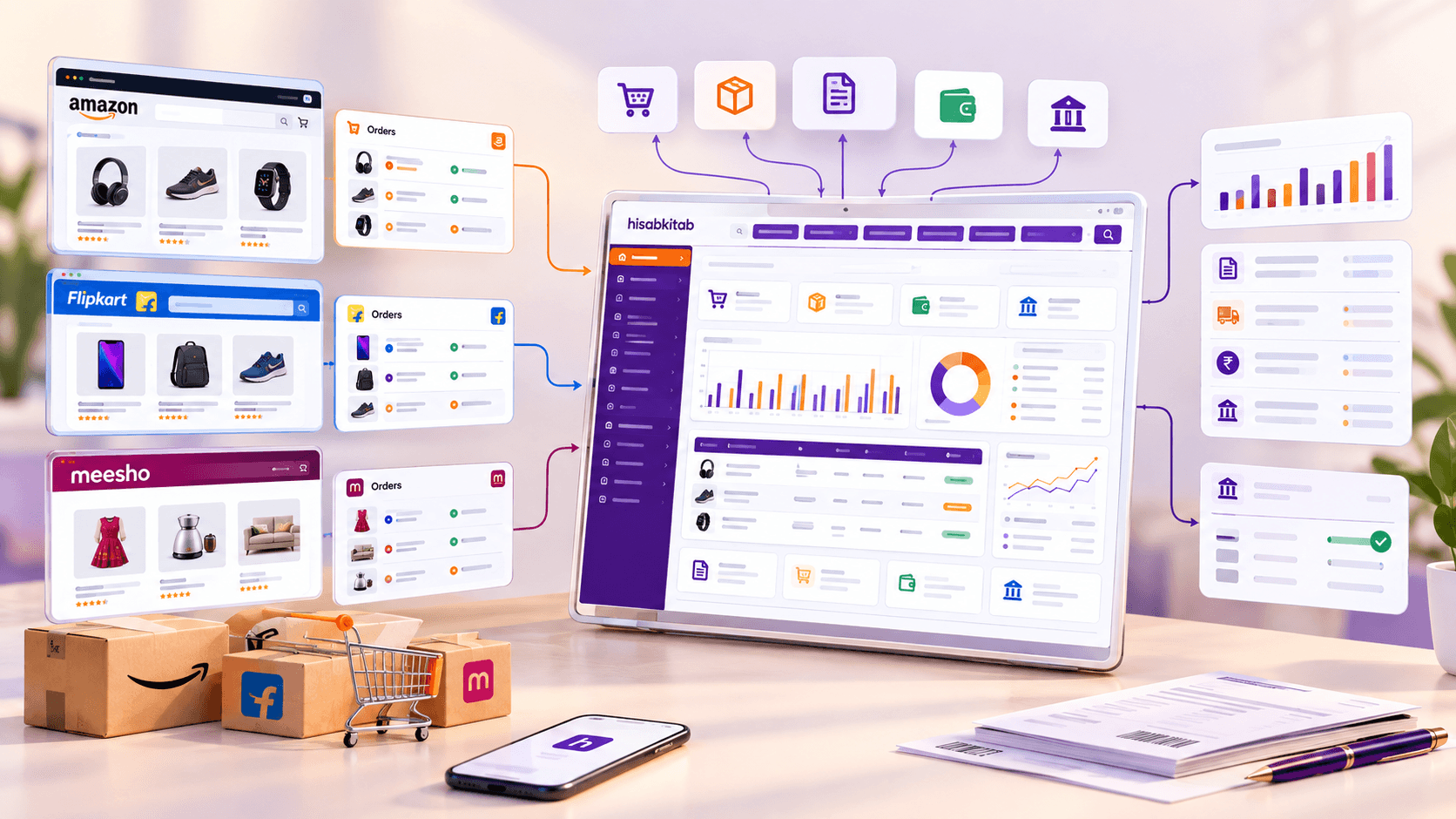
HisabKitab brings POS billing, accounting, inventory, GST compliance, reporting, and business management together in one platform.
Instead of using separate tools for billing, stock, and accounts, businesses can manage these operations through a connected system.
With HisabKitab POS, businesses can:
Create GST invoices
Manage POS billing
Track inventory and stock movement
Use barcode and thermal printing
Manage sales and purchases
Maintain accounting records
Generate business reports
Manage multiple locations
Monitor business performance
Access business information through the cloud
This is particularly useful for businesses that are growing from one store to multiple locations or handling increasing transaction volumes.
The objective is simple:
Less manual work. Better visibility. More control.
A Practical Example: From One Store to Multiple Locations
Let's take the example of a growing fashion retailer.
Before POS Software
The owner manages:
Billing through a separate system
Stock through Excel
Accounts separately
Expenses manually
Store-wise performance through individual reports
As the business grows to three stores, keeping everything synchronized becomes difficult.
The owner has to collect information from each store and spend additional time comparing the data.
After Moving to a Connected POS System
The business can connect:
Billing + Inventory + Accounting + Reports + Locations
Now, the owner can get a clearer view of:
Store-wise sales
Inventory levels
Business expenses
Purchase information
Financial performance
The business has grown from one store to three.
But the management process doesn't need to become three times more complicated.
That's the real value of connected POS software.
7 Tips for Choosing POS Software for Your Business
Choosing a POS system is a long-term business decision. Before investing, consider these points:
1. Don't choose software only for billing
Look for a system that can support inventory, accounting, reporting, and future business needs.
2. Check whether it can scale
If you plan to open more stores, make sure the software supports multi-location operations.
3. Prioritize automation
The purpose of software is to reduce repetitive manual work, not create another system to maintain.
4. Look for accounting integration
Your billing data should ideally connect with your financial records.
5. Check inventory capabilities
Make sure the system provides proper stock tracking and helps reduce inventory mismatches.
6. Choose easy-to-use software
If employees struggle to use it, even the most advanced POS system won't deliver the expected results.
7. Think beyond 2026
Don't choose software only for your current needs. Choose something that can support your business as it grows.
Why POS Software Will Matter Even More in the Coming Years
The future of business management is moving toward automation and connected data.
Businesses will continue to handle more digital transactions, more customer data, more products, and more operational information.
At the same time, owners will need faster answers and better visibility.
This means businesses will increasingly need systems that don't just record transactions, but also help them understand what those transactions mean.
A modern POS system can become the starting point for that transformation.
Billing creates data.
Inventory adds context.
Accounting adds financial visibility.
Reports turn data into decisions.
And when all of these work together, businesses can operate more efficiently.
In 2026 and beyond, businesses need more than a system that simply prints bills.
They need a solution that can connect operations, reduce manual work, improve visibility, and support growth.
That's why POS software is becoming an important part of modern business management.
Whether you're running a retail store, fashion business, pharmacy, supermarket, restaurant, or multiple outlets, the right POS system can help you move from manual processes to connected business management.
And as your business grows, that difference becomes even more important.
With HisabKitab, you can bring POS billing, inventory, accounting, GST, reporting, and multi-location management together in one platform.
Don't wait for your business to become complicated before upgrading your systems. Start building a smarter, more connected business today with HisabKitab.
Continue Reading
