Profit Margin & Markup Calculator
Find your gross margin and markup from cost and selling price, or the price you need to charge to hit a target margin.
Price for the
Margin You Want


Versatile Accounting and Billing Software for Every Sector
Margin and markup are not the same
Margin is profit as a share of the selling price. Markup is profit as a share of the cost. An item bought at ₹800 and sold at ₹1,000 earns ₹200: that is a 20% margin but a 25% markup. Mixing them up is the most common pricing mistake in small businesses.
Formulas
Gross margin % = (selling price − cost) ÷ selling price × 100
Markup % = (selling price − cost) ÷ cost × 100
Price for a target margin = cost ÷ (1 − margin %)
Price for a target markup = cost × (1 + markup %)
Should GST be included?
If you are registered and claim input tax credit, the GST you pay on purchases comes back as credit and the GST you collect is not your income. Work with prices excluding GST. If you are under the composition scheme or cannot claim credit, include the GST you pay in your cost.
Margin by item, not just overall
An overall margin can hide loss-making items. Check margin item by item and customer by customer, especially after a purchase price change or a discount scheme.
How hisabkitab helps
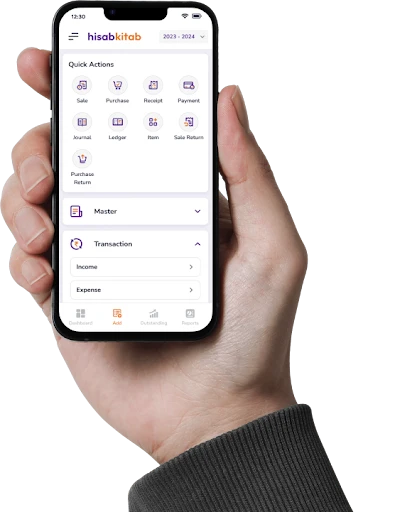
hisabkitab’s item-wise profit report shows the margin on every item and bill using your actual purchase cost, so you can spot items sold below cost.
FAQs
What is a good profit margin?
How do I convert markup to margin?
How do I convert margin to markup?
Should I include GST in cost?
Does discount reduce margin more than it looks?
Is this calculator free?
Find the right HSN or SAC code and GST rate
Browse all 1,289 HSN and SAC headings by chapter, check the GST rate, and bill with the correct code.