Rated 4.8/5 by 10,000+ users

Rated 4.8/5 by 10,000+ users

Purchase Order Format & Free PO Maker

Raise clear purchase orders with item rates, GST, delivery date and terms, so suppliers bill exactly what you ordered.

Create a Purchase 

Order

Buyer (your business)
Supplier
Intra-state supply → CGST + SGST
Items
DescriptionHSN/SACQtyUnitRate (₹)Disc %GSTAmount
₹57,820.00
₹18,496.50
Taxable value₹64,675.00
CGST₹5,820.75
SGST₹5,820.75
Round off₹0.50
Total₹76,317.00
Rupees Seventy Six Thousand Three Hundred Seventeen Only
Opens a print-ready purchase order. Choose “Save as PDF” to download. Nothing you type is stored or sent anywhere.
Raise purchase orders and track pending deliveries against them in hisabkitab.Start free

3 Simple Steps

How It Works

1. Add your business and supplier

1. Add your business and supplier

1. Add your business and supplier

Names, GSTINs and states, and the date you need delivery by.

Names, GSTINs and states, and the date you need delivery by.

Names, GSTINs and states, and the date you need delivery by.

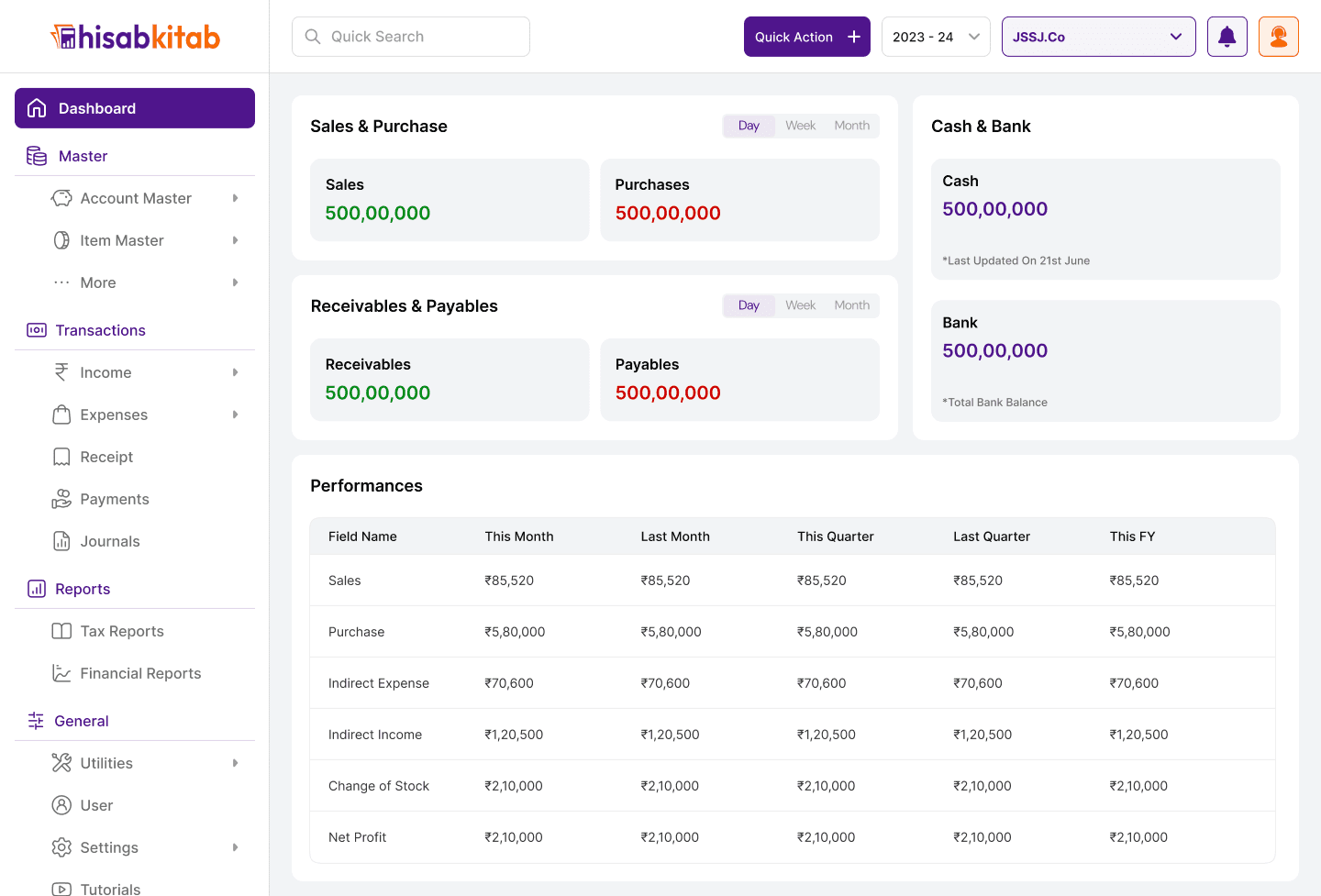
hisabkitab accounting dashboard showing sales, purchases, receivables and performance

2. List what you are ordering

2. List what you are ordering

2. List what you are ordering

Description, HSN, quantity, agreed rate, discount and GST for each item.

Description, HSN, quantity, agreed rate, discount and GST for each item.

Description, HSN, quantity, agreed rate, discount and GST for each item.

3. Send the PO

3. Send the PO

3. Send the PO

Download the PDF and send it to the supplier for confirmation.

Download the PDF and send it to the supplier for confirmation.

Download the PDF and send it to the supplier for confirmation.

hisabkitab accounting dashboard showing sales, purchases, receivables and performance

Track every PO against deliveries in hisabkitab

Track every PO against deliveries in hisabkitab

Industries That Use Our Features

Industries That Use Our Features

Versatile Accounting and Billing Software for Every Sector

  • Retail Businesses

  • Traders

  • IT Firms

  • Wholesale Businesses

  • Retail Businesses

  • Traders

  • IT Firms

  • Wholesale Businesses

  • Retail Businesses

  • Traders

  • IT Firms

  • Wholesale Businesses

  • Retail Businesses

  • Traders

  • IT Firms

  • Wholesale Businesses

  • Retail Businesses

  • Traders

  • IT Firms

  • Wholesale Businesses

  • Retail Businesses

  • Traders

  • IT Firms

  • Wholesale Businesses

  • Startups

  • Pharma & Healthcare

  • Freelancers

  • MSMEs

  • Startups

  • Pharma & Healthcare

  • Freelancers

  • MSMEs

  • Startups

  • Pharma & Healthcare

  • Freelancers

  • MSMEs

  • Startups

  • Pharma & Healthcare

  • Freelancers

  • MSMEs

  • Startups

  • Pharma & Healthcare

  • Freelancers

  • MSMEs

  • Startups

  • Pharma & Healthcare

  • Freelancers

  • MSMEs

What is a purchase order?

A purchase order, or PO, is a document a buyer sends to a supplier to confirm what it wants to buy, at what price and by when. Once the supplier accepts it, the PO becomes the reference for delivery, the supplier’s invoice and payment. hisabkitab’s free purchase order maker creates a PO in a clean, GST-ready layout.

What should a purchase order include?

A complete PO shows:

  • The words “Purchase Order”, a PO number and the date

  • Your business name, delivery address and GSTIN

  • The supplier’s name, address and GSTIN

  • Item description, HSN code, quantity, unit and agreed rate

  • Discount, GST rate and amount, and the order total

  • Delivery date, payment terms and any quality or packing requirements

Why use purchase orders?

POs reduce disputes and wrong bills. When the goods arrive, your team can match the PO, the delivery challan or goods receipt, and the supplier’s invoice before payment. This three-way match catches short supplies, wrong rates and duplicate bills.

Purchase orders and the MSME 45-day rule

If your supplier is a micro or small enterprise, the payment deadline under the MSMED Act runs from acceptance of the goods: 15 days, or up to 45 days if agreed in writing. Putting the agreed credit days on the PO gives you that written agreement. Late payment can delay your tax deduction, so check due dates with hisabkitab’s free MSME 45-Day Payment Calculator.

FAQs

Is a purchase order required under GST?

Who issues a purchase order?

Should GST be shown on a purchase order?

Is a purchase order legally binding?

Is this PO maker free?

Can I track pending orders?
Experience the convenience of the
Complete Mobile Accounting Solution

Experience the convenience of the
Complete Mobile Accounting Solution

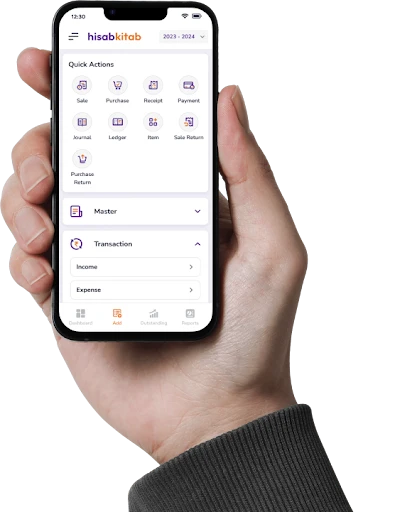
hisabkitab mobile accounting app on a phone
QR code to download the hisabkitab mobile app

Available On

Experience the convenience of the
Complete Mobile Accounting Solution

hisabkitab mobile accounting app with quick actions for sales, purchases and receipts
hisabkitab mobile accounting app on a phone
QR code to download the hisabkitab app
QR code to download the hisabkitab mobile app

Available On