

If you switch accounting software in the middle of a financial year, the opening balances you load into the new system are not the balances of 1 April. They are the closing balances on your cut-over date, say 30 September 2026, plus every unpaid bill, every item in the godown and every tax ledger exactly as it stood that evening.
Most migration guides assume you move on 1 April, when the books have just been closed and the trial balance is clean. Real businesses rarely get that luxury. This guide covers what to carry over, in what form, and how to check that nothing went missing.
What is the cut-over date and how do you choose one?
The cut-over date is the last day the old software is the book of record. Everything up to and including that day stays in the old file. Everything after it goes into the new one.
Pick the last day of a month, and preferably the last day of a quarter. Your GST returns, TDS returns and bank statements all run on month or quarter boundaries, so a 30 September cut-over means the September GSTR-1 and GSTR-3B, and the July to September TDS return, are prepared entirely from the old system. Nothing is split across two files. A cut-over on 17 October, by contrast, leaves you assembling one month’s return from two sets of books.
Fix the date before you export anything, and tell your staff.
Should you import only balances or the full year’s vouchers?
You have two honest options.
Balances only. You load the trial balance as on the cut-over date, open bills party by party, and item-wise stock. The new software starts on 1 October with no history before that date. This is quicker, but your year-end P&L, GST annual return working and ledger statements for the first half have to be pulled from the old file.
Full voucher history from 1 April. You load the 1 April opening balances and then every sales, purchase, receipt, payment and journal voucher up to the cut-over date. The new software holds the whole year. Ledger statements, ageing, item-wise profit and the annual return working all come from one place.
For a business with integrated inventory, the second option is usually cleaner, because stock value, cost of goods sold and gross profit stay connected for the whole year. The first option is fine for a small service business with no stock and a handful of open bills.
Which balances do you need on the cut-over date?
If you go with balances only, this is the minimum set to carry over:
Trial balance as on the cut-over date, with debit and credit totals agreeing.
Bill-wise outstanding for every debtor and creditor: invoice number, invoice date, original amount and amount still unpaid.
Item-wise closing stock with quantity, unit, rate and value, godown by godown if you use more than one.
Bank balances as per books, plus the list of cheques issued but not presented and deposits not yet credited.
GST ledgers in your books: output tax payable, input tax credit and any reverse charge liability for the last month.
TDS and TCS ledgers: tax deducted but not yet deposited, and tax deducted by your customers that you will claim.
Fixed asset register with cost, accumulated depreciation and date of purchase for each asset.
The electronic cash and credit ledgers on the GST portal do not move. They belong to your GSTIN, not to your software. What you move is the book balance, and that should agree with the portal after the September return is filed.
How do you handle profit and stock for the first half?
This is where most balance-only migrations go wrong. A mid-year trial balance still has nominal accounts in it: sales, purchases, wages, rent. It also shows stock as on 1 April, not as on the cut-over date, because closing stock is only worked out when you prepare accounts.
If you type that trial balance into the new software as it is, and then also enter item-wise stock as on 30 September, you have counted stock twice. The cleaner way is to work out the profit up to the cut-over date in the old software, put it in a separate ledger under capital or reserves, and load stock at its cut-over value.
Say you run a sanitaryware and pipe distributorship in Vadodara and move on 30 September 2026. From the old books, for 1 April to 30 September:
Sales: ₹71,80,000
Closing stock on 30 September: ₹9,85,000
Opening stock on 1 April: ₹8,40,000
Purchases: ₹62,30,000
Expenses: ₹4,95,000
Profit for the half year is (71,80,000 + 9,85,000) minus (8,40,000 + 62,30,000 + 4,95,000), which is 81,65,000 minus 75,65,000, or ₹6,00,000. That figure goes into a ledger called “Profit 1 Apr to 30 Sep 2026”. The opening balances in the new software then look like this:
Ledger (as on 30 Sep 2026) | Debit (₹) | Credit (₹) |
|---|---|---|
Capital account | 25,00,000 | |
Profit 1 Apr to 30 Sep 2026 | 6,00,000 | |
Sundry creditors (bill-wise) | 12,75,000 | |
GST payable for September (net of ITC) | 1,38,000 | |
TDS payable | 18,500 | |
Sundry debtors (bill-wise) | 18,40,000 | |
Closing stock (item-wise) | 9,85,000 | |
Fixed assets (net block) | 9,48,000 | |
Bank account | 7,22,500 | |
Cash in hand | 36,000 | |
Total | 45,31,500 | 45,31,500 |
At year end, the annual P&L is the first-half profit of ₹6,00,000 plus whatever the new software shows for October to March.
Why should open bills go in one by one, not as a lump sum?
Because the dates matter. Take one debtor from the example. Patel Plumbing Works was billed ₹2,36,000 on 12 August 2026 (₹2,00,000 plus 18% GST of ₹36,000) and paid ₹1,00,000 on 5 September. The open amount on 30 September is ₹1,36,000.
If you load ₹1,36,000 as a plain opening balance, the new software treats it as a bill dated 30 September. On 30 November your ageing report will say it is 61 days old. Loaded against the original invoice number and the 12 August date, it shows 110 days, which is the truth.
The same logic applies to creditors, and there it has a tax cost. Under the second proviso to Section 16(2) of the CGST Act, input tax credit has to be reversed if you do not pay the supplier within 180 days of the invoice date. That clock runs from the supplier’s invoice date, not from your migration date. A creditor loaded as a lump sum hides that clock completely.
What happens to invoice numbering and e-invoices after the switch?
Under Rule 46 of the CGST Rules, a tax invoice needs a consecutive serial number of up to 16 characters, in one or more series, unique for a financial year. A mid-year switch does not reset the year. If the old software issued HS/0001 to HS/0737, the new software must not issue HS/0001 again before 31 March.
You can continue the same series from HS/0738, or open a fresh series such as HSB/0001. Both are allowed. If you open a new series, report both in Table 13 (documents issued) of GSTR-1 for the month in which you switch.
If you generate e-invoices, a repeated number fails at the Invoice Registration Portal anyway, because an IRN cannot be generated twice for the same document number and type in a financial year. Set the starting number in the new software before you raise the first bill, not after the first rejection.
What do you need to keep from the old software?
Do not uninstall it or let the licence lapse without taking a full backup. Section 36 of the CGST Act requires books and records to be kept for 72 months from the due date of the annual return for the year they relate to. Companies have a longer horizon under the Companies Act, which asks for books of the preceding eight financial years.
Companies also need to think about the audit trail. Since financial years beginning on or after 1 April 2023, the proviso to Rule 3(1) of the Companies (Accounts) Rules requires accounting software that records an edit log for every transaction and cannot have that log disabled. After a mid-year switch, both halves of the year need a working audit trail: the old file for April to September, and the new software for the rest. Check that the new system has audit trail turned on from the first voucher, and keep the old file’s log with the backup.
How do you check the migration before you trust it?
Run this routine on the first working day after you load the balances, before any new voucher goes in:
Compare the new trial balance with the old one, line by line. Totals agreeing is not enough, because two errors can cancel out.
Tally the total of bill-wise debtors and creditors with the respective control ledgers.
Pick five large parties and match their ledger statements in both systems.
Match item-wise stock quantity and value with the old stock summary, godown by godown.
Reconcile the bank balance with the bank statement for 30 September, using the uncleared cheque list.
Agree the GST payable and ITC ledgers with the September GSTR-3B you filed.
Confirm the next invoice number in each series, and generate one test e-invoice if you use them.
Once all seven pass, lock the old file or mark it read-only. From that day, corrections to April to September go into the old file only, and their effect is passed to the new one by a single journal.
Where hisabkitab fits in
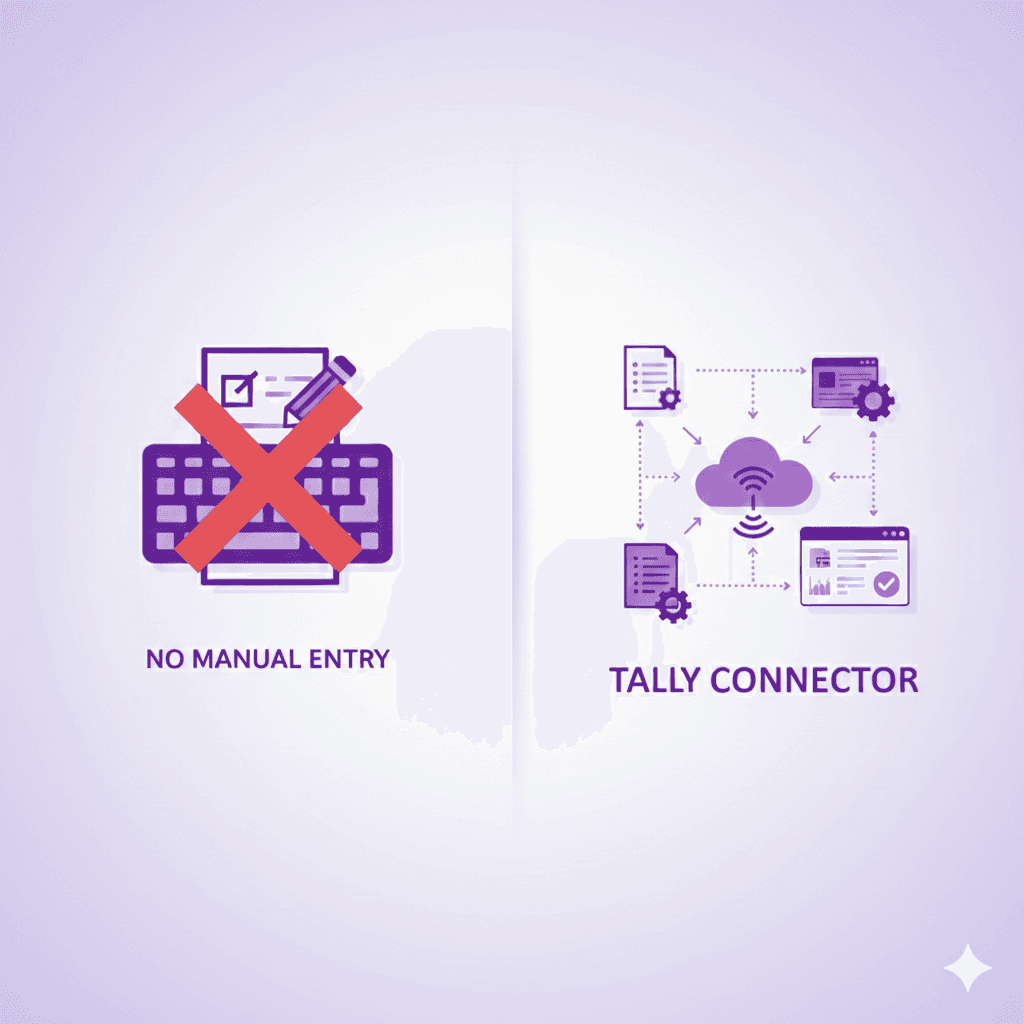
hisabkitab’s one-click data import takes masters, opening balances and vouchers from Tally or Excel, and its AI ledger mapping matches your old ledger names to the right groups, so loading the full year from 1 April is a realistic choice rather than a weekend project. If you would rather move gradually, the Tally Connector syncs your Tally data to the cloud while you settle in. For the step-by-step on the import itself, read our guide on importing Tally data without manual entry.
After the switch, the ageing report and GST reports work from the bill-wise balances you loaded, so the checks above become a routine you can repeat every month end.
Frequently asked questions
Can I switch accounting software in the middle of the financial year?
Yes. Nothing in GST or company law ties your books to one software for the full year. You need a clear cut-over date, correct opening balances on that date, and a backup of the old records for the retention period.
Which date should the opening balances in the new software carry?
The cut-over date if you import balances only, for example 30 September 2026. If you import the full voucher history, the opening balances carry 1 April and the vouchers bring the books forward to the cut-over date.
Do I need to restart invoice numbers in the new software?
No, and you must not reuse a number already issued in the same financial year. Either continue the existing series or start a new series with a different prefix and report both in Table 13 of GSTR-1.
Does the GST electronic credit ledger need to be migrated?
No. The electronic cash and credit ledgers sit on the GST portal against your GSTIN. You only carry the book balances of your GST ledgers, which should agree with the portal after the last return from the old software is filed.
Can I enter debtors as one total instead of bill by bill?
You can, but you lose the invoice dates. Ageing, payment reminders and the 180-day ITC check on creditors all depend on those dates, so bill-wise entry is worth the extra hour.
Planning a mid-year switch? Start a free trial and load your opening balances, or compare plans first.